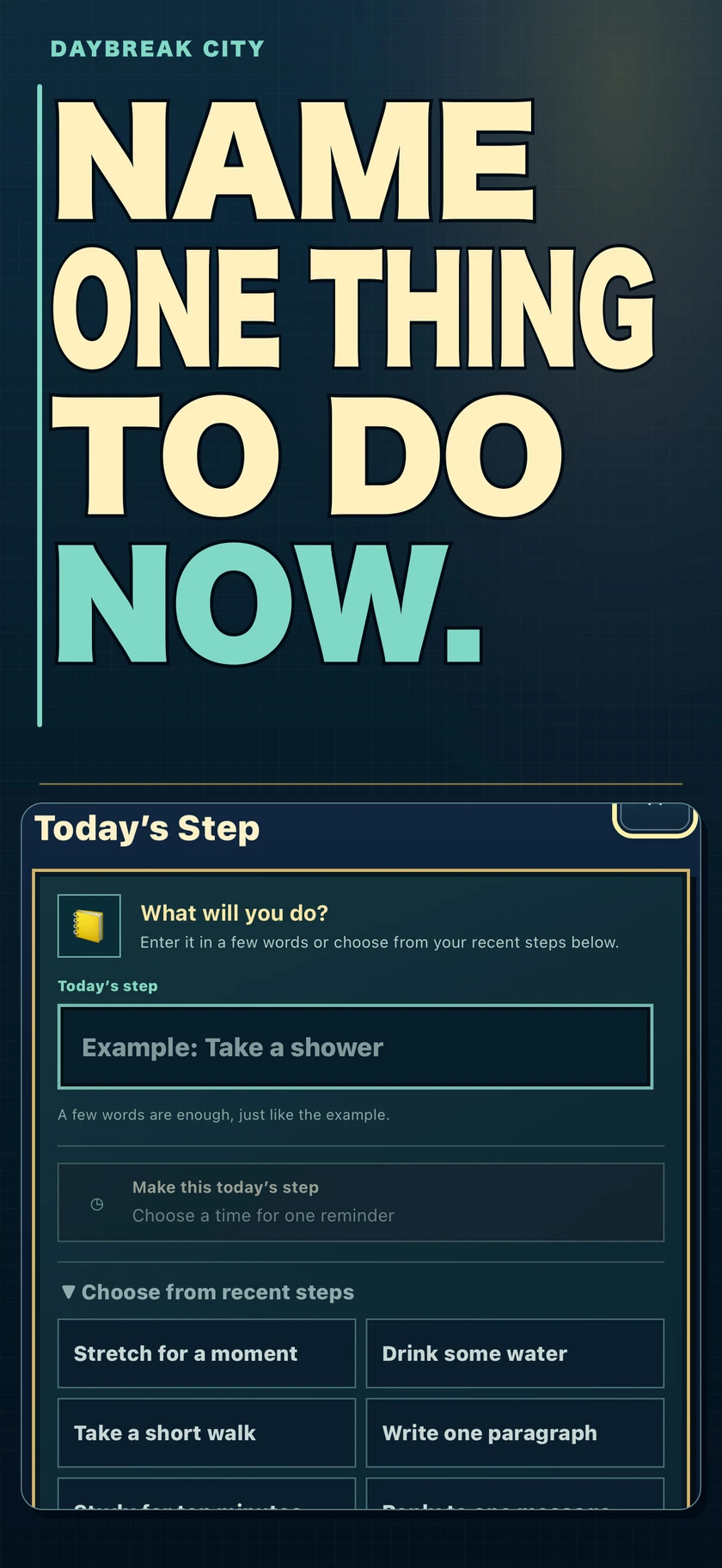
Today’s Step
Choose a step in your own words. Start before, during, or after it. Running out of time never turns the step into a failure.
A REASON TO PUT DOWN YOUR PHONE × CITY-BUILDING
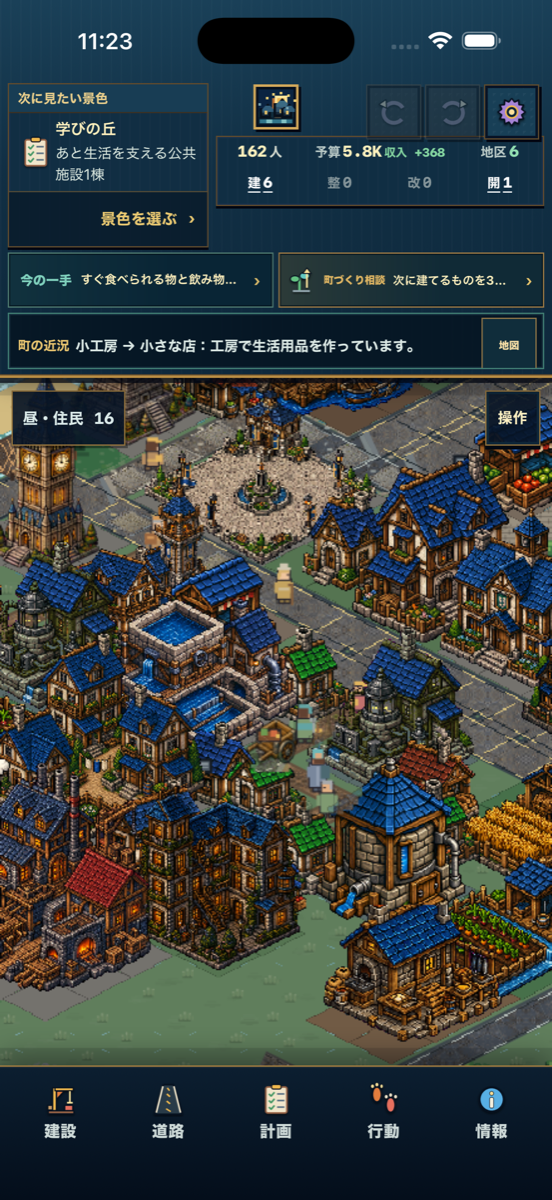
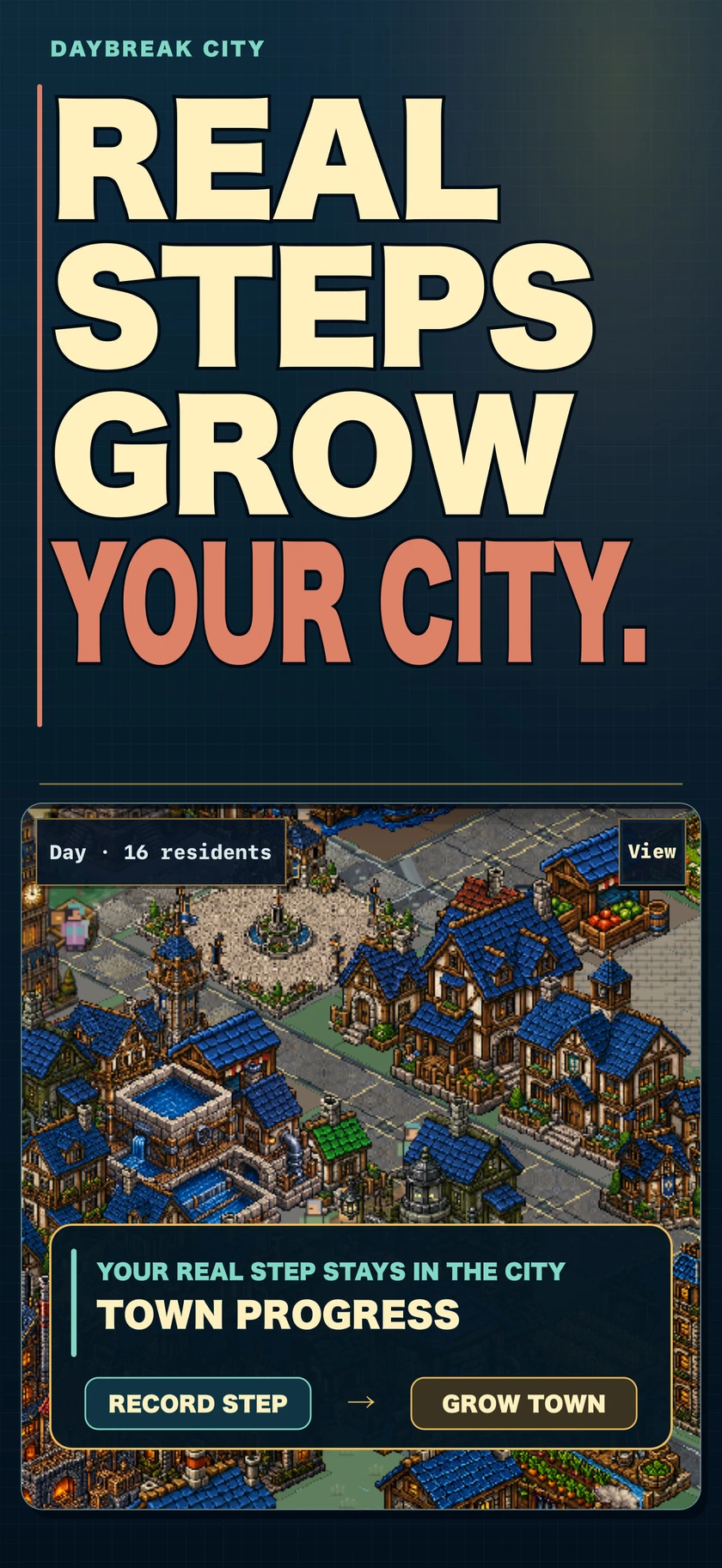
Step away from your phone. Record what you managed to do. Turn that real-life step into the power to rebuild a town with your own hands.
iPhone ・ Free ・ No ads ・ No account ・ Action records stay on your device
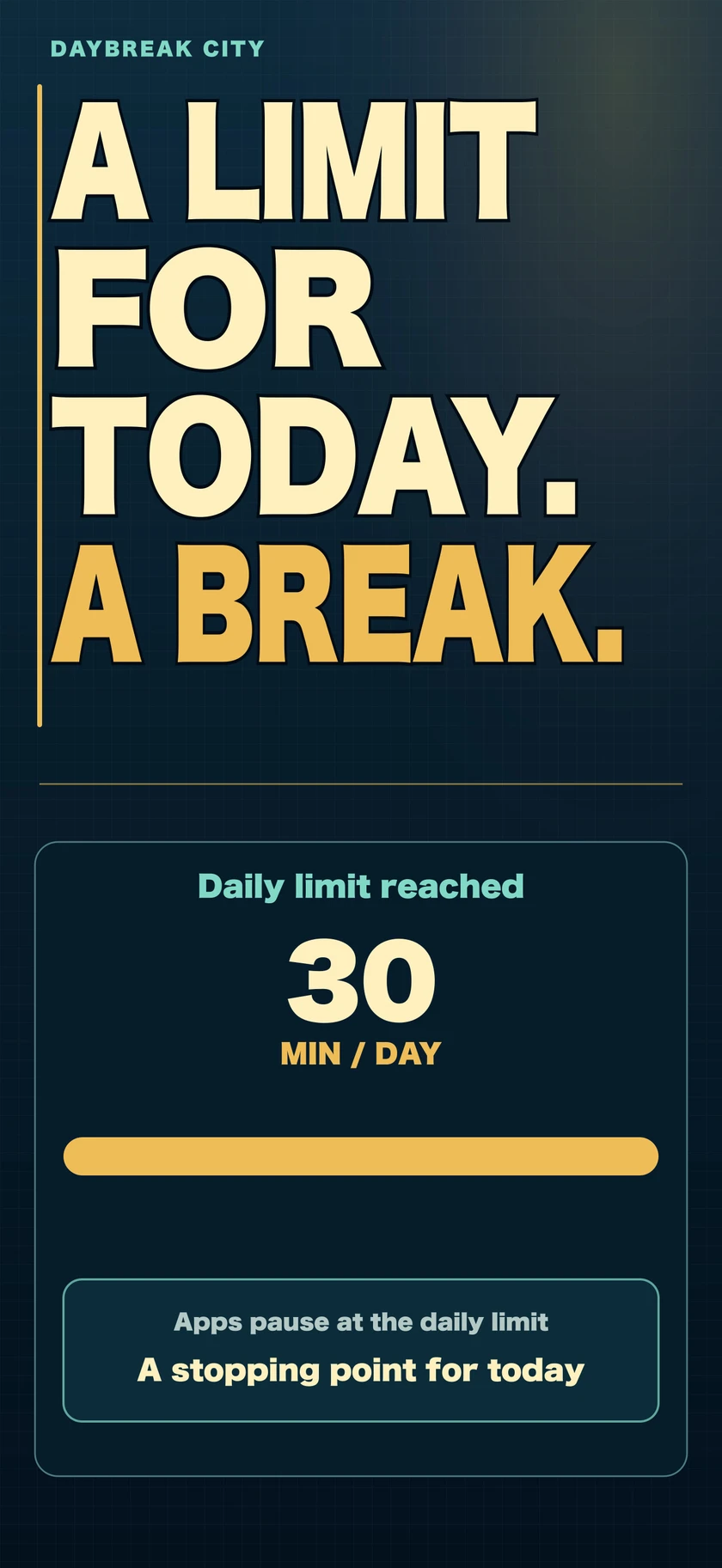
Optional app limits create a stopping point. Your next real-life action is up to you.
SEE THE APP
Pause before opening. Put a limit on the day. Take a real-life action and let it grow your town.

PLAY GUIDE
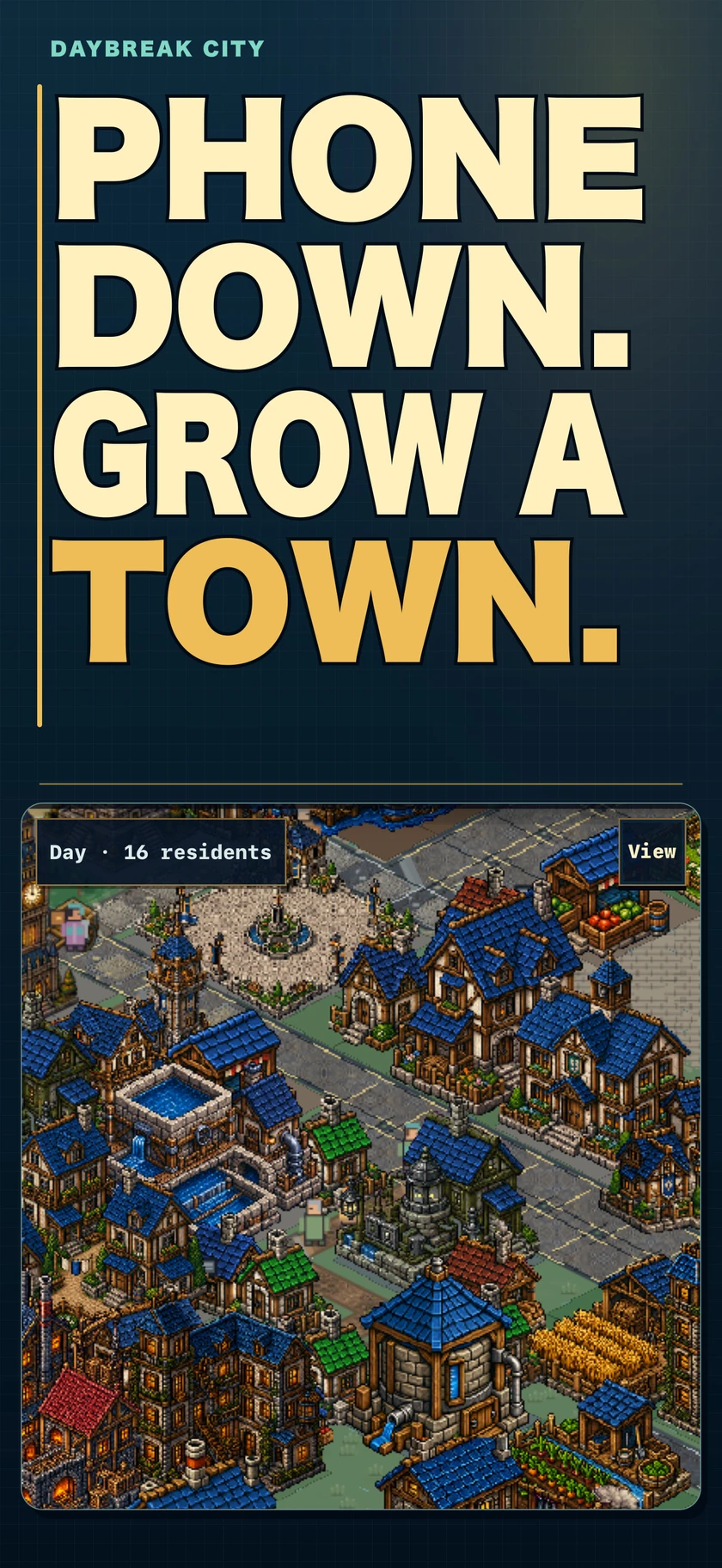
Put down your phone. Record what moved forward. Use that step to build your town. The deeper systems—construction, production, and deliveries—can wait until you are ready.
Choose one thing you might do now, such as “drink water” or “take a shower,” then step away from your phone.
You can also record something already finished or partly doneWhen you return, record what you finished, what you partly completed, or something else that moved forward.
Several things can be recorded togetherYour record becomes progress you can use to plan roads and buildings, then watch the town’s life and story unfold.
Open Build to plan roads, buildings, or terrain. Open Info to check supplies, deliveries, and current needs.
WHAT YOU CAN DO
DAYBREAK CITY turns what you do in real life into the power to shape roads, buildings, deliveries, residents’ lives, and the story of a town at your own pace.
Choose a step in your own words. Start before, during, or after it. Running out of time never turns the step into a failure.
Use your town-building progress and budget to connect roads and build homes, markets, workshops, public services, and a harbor. Plans can wait in the town until you are ready.
Follow construction materials, food, the next shipment, and residents’ needs. The choices you make become the history of your town.
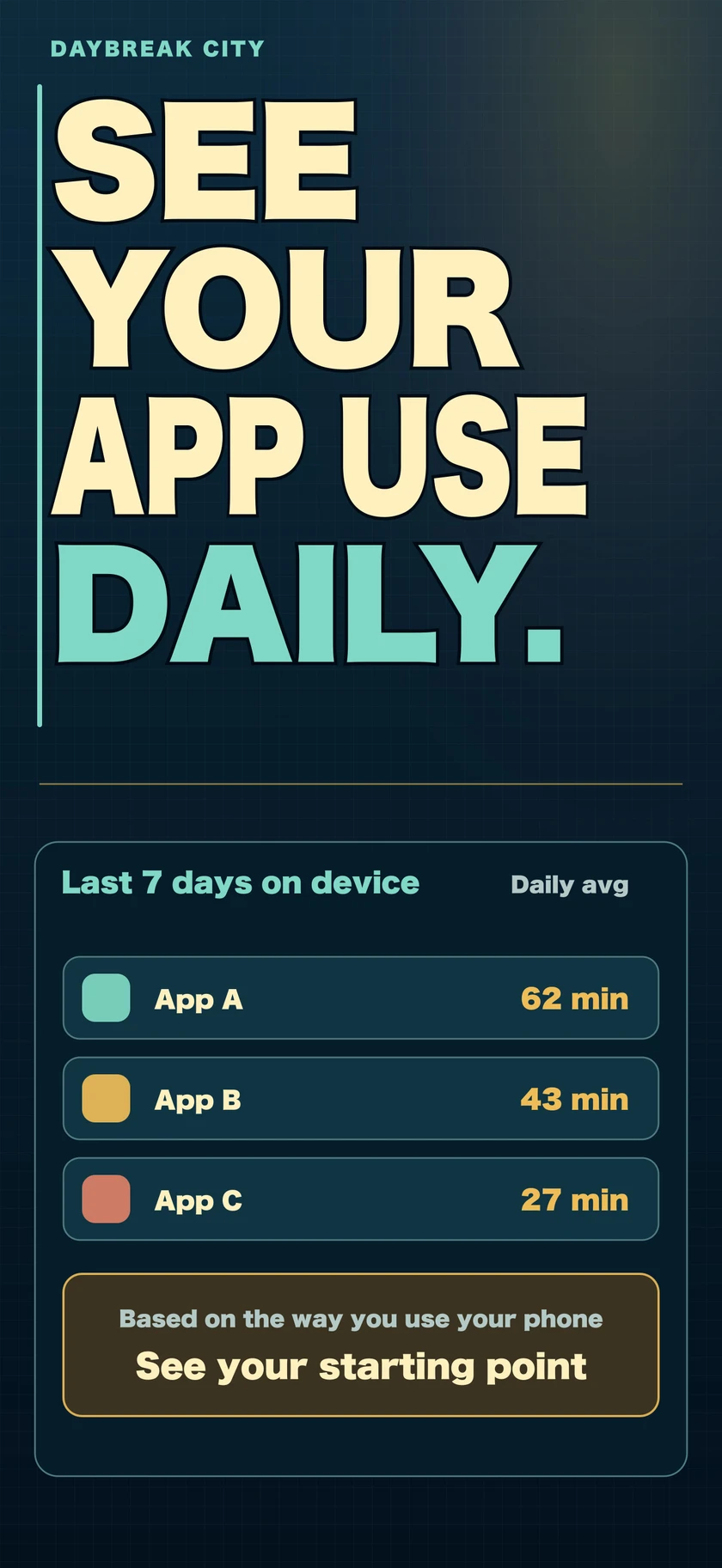
Review the last seven days, then give overuse a stopping point. Daily limits and scheduled hours work together. During-action breaks and 5, 8, or 10 second opening pauses are optional.
OPTIONAL SCREEN TIME SUPPORT
Review the last seven days on your iPhone, choose from the apps you use most, and set a daily time. Nothing changes until you explicitly enable the limit.
See the three setup steps →START WITH ONE SMALL STEP
No large goal or daily streak is required. Finished steps and partial steps both leave a place in your town.
WHAT THE TOWN BELIEVES
Drink water, rest, or head to work. Record what you did in your own words.
No streak is required, and an absence does not damage the town. Continue from wherever you return.
No account is required. Your town and action records stay on your device and can be exported as JSON.